Every December, most businesses slow down. Diaries empty, out-of-office replies go on, and the office gets a bit quieter and a lot more relaxed. Attackers notice. They don't take the holidays off, and they know exactly how a business behaves at this time of year.
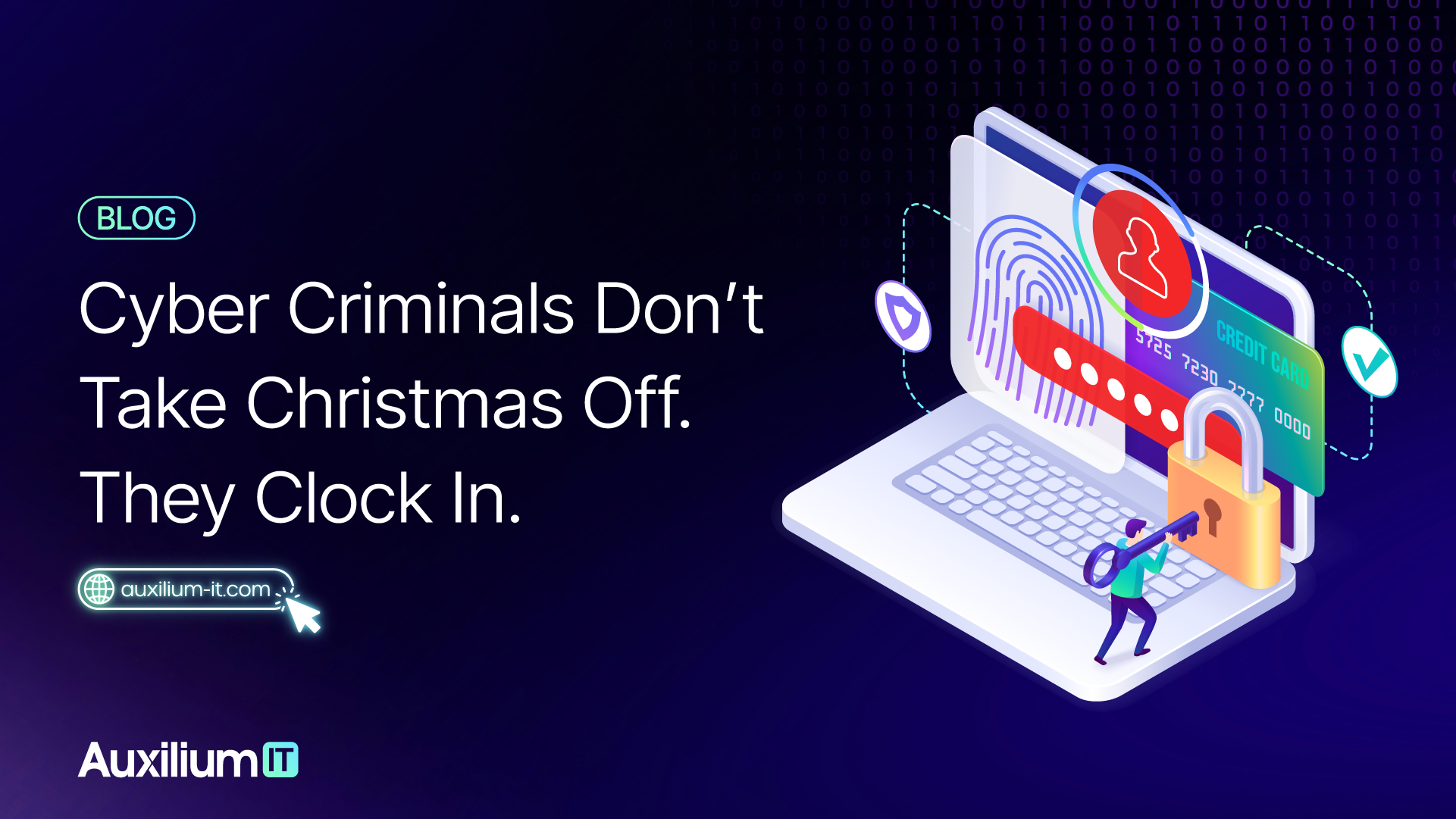
December sees cyber security hit a spike and no wonder, fewer people watching, more people distracted, and a lot of "I'll sort that in January" decisions. This guide is about those changes, and what to do about them before everyone leaves.
Cover gets thinner. The person who'd normally spot something odd is on leave. The person who'd normally approve a payment is away. If something goes wrong on 23 December or 2 January, who notices, and who has the authority to act?
Urgency becomes normal. Suppliers want paying before the break. Trading dates shift. Last-minute invoices and "can you sort this today?" messages feel completely ordinary, which is precisely what makes a fraudulent one so hard to spot.
Access gets loose. Temporary staff, seasonal workers and contractors are given accounts quickly. Those accounts rarely get tidied up once the rush is over.
Maintenance gets postponed. Updates are put off to avoid disruption, and a gap that would normally be closed in days stays open for weeks.
People are distracted. Everyone is buying gifts, expecting parcels and clearing their inboxes at speed. Attackers rely on that, and they're happy to wait for the moment someone is rushing.
You don't need to know every technique. You need to recognise the handful that cost businesses the most:
Here's what we'd want in place before a business closes for the break. None of it requires a big budget, only a bit of time and a decision on who owns each item.
1. Name the people.Write down who is responsible for what over the holiday period: who can approve payments, who can authorise urgent IT decisions, and who to call if something goes wrong. Make sure the contact details are current and that people know where to find them. If the answer is "whoever sees it first", you don't have a plan yet.
2. Tidy up access.Switch off accounts that aren't needed, including those of leavers. Review who has administrator rights and remove them from anyone who doesn't need them. Put an end date on temporary access, and replace any shared logins with named accounts so you know who did what.
3. Turn on multi-factor authentication.If you do only one thing, do this. Make sure it's switched on for email, remote access and anything with administrator access. A stolen password on its own then stops being enough.
4. Update what matters most.You don't need to patch everything at once, but systems facing the internet and business-critical applications shouldn't go into the holiday with known gaps. Update early enough in December that you can fix any problems before people leave.
5. Prove your backups work.Having a backup is not the same as being able to restore from it. Restore a file or a system as a test. Also check that at least one copy is kept somewhere an attacker on your network couldn't reach and change.
6. Switch off what you don't need.Review remote access, old accounts and supplier connections that don't need to be live over the break. Every open door is one more to watch.
7. Brief your team.Fifteen minutes is enough. Tell people what's likely to arrive, explain how to check anything unusual, and make it clear that pausing is always welcome.
The most effective protection against payment fraud costs nothing: a clear rule that anything involving money or changed details gets checked a second way.
In practice that means calling the person back on a number you already have, not one in the message. It means a second person approves bank detail changes and larger payments. And it means staff know they'll never be criticised for asking, even if the request appears to come from the managing director.
Scammers manufacture pressure. A business where people feel able to slow down is a very difficult target.
Speed matters, but so does staying calm. Disconnect the affected device from the network if you can, but don't wipe it, because it may be needed to understand what happened. Don't delete the suspicious email. Contact whoever you've named as responsible straight away, rather than waiting until the office reopens. And report suspicious emails to the NCSC through its Suspicious Email Reporting Service (report@phishing.gov.uk).
The time to decide all this is now, not during an incident.
In Scotland, the break often runs well beyond Christmas Day. Hogmanay and the New Year bank holidays mean many businesses are closed or lightly staffed for longer than elsewhere in the UK, which gives an attacker more time before anyone notices.
That's a good reason to plan for the whole period, not just the days either side of 25 December.
When the team returns, spend a short time checking what happened while you were away. Look for new accounts you don't recognise, mailbox rules forwarding email somewhere unexpected, unusual sign-ins from unfamiliar places, backups that failed, and updates that were missed. Problems found early are far cheaper to fix than those found months later.
Most of this checklist is simple. The hard part is having someone who owns it, checks it, and is available when something unexpected happens over the break.
That's where we come in. Our team can review your access, test your backups, check your security settings and help you build a holiday plan that suits your business, whether you're a team of ten or a team of a hundred. And if you'd simply like someone to look over your plan and tell you honestly whether it holds up, we're happy to do that too.
Get in touch with the Auxilium team before the break, and go into the holidays knowing you're covered.